Class 19 Tues Mar 28
- Demo and In Class Drawing Assignment
- Project 3 Introduction and Preliminary Work
- Assignments
- Project 3 - Preliminary Work
- Language of New Media Chapter 4 pp. 199-211
- Announcements:
- Weekend Movie: Harry Potter Marathon, Summers Auditorium, $1 w/ Hawkcard
- Theater/Dance: DanceScapes'17 - Barnett Theatre, Student Ticket $5.50
- AIGA: Student Portfolio Workshop - April 1 (Aaron Draplin)
- Time Wasters:
- boopy.club by Andrew Benson
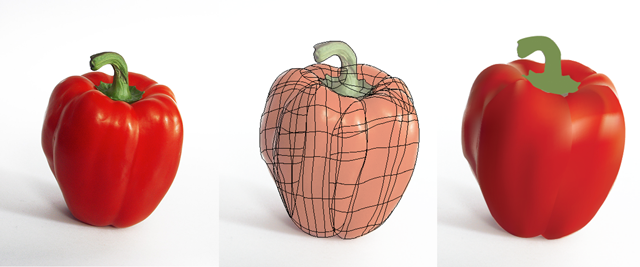
Drawing Exercise: Gradient Mesh Tutorial
- One way to achieve realistic lighting effects is to use Gradient Meshes
- Gradient Mesh is an advanced way to create light and shadow over vector graphics
- Gradient Mesh can be used to make filled vectors look "less flat"
- Red Pepper Tutorial
In Class Assignment
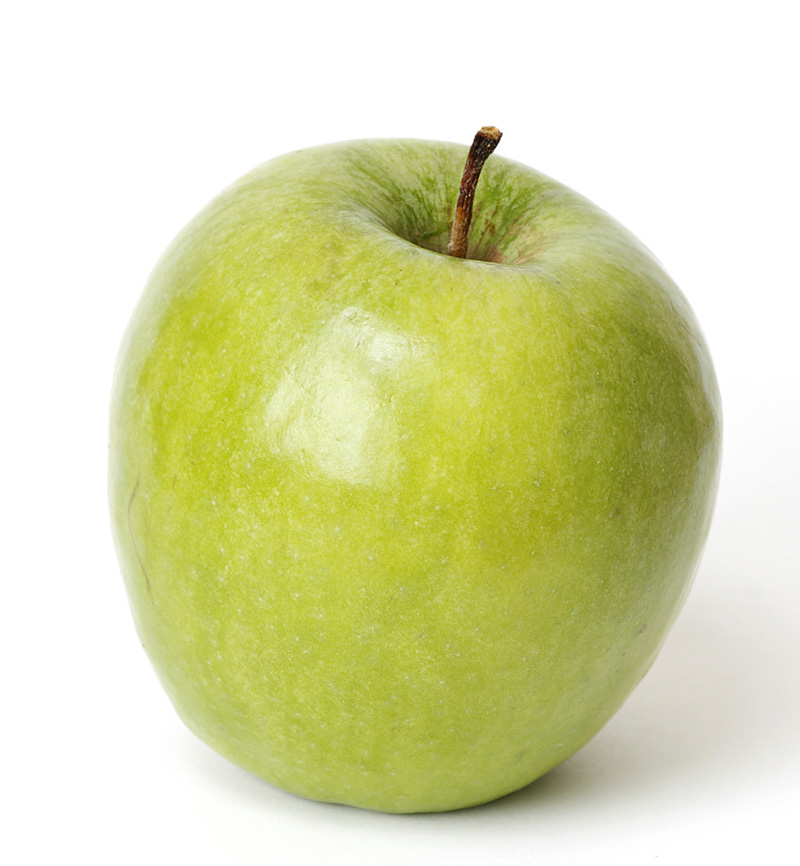
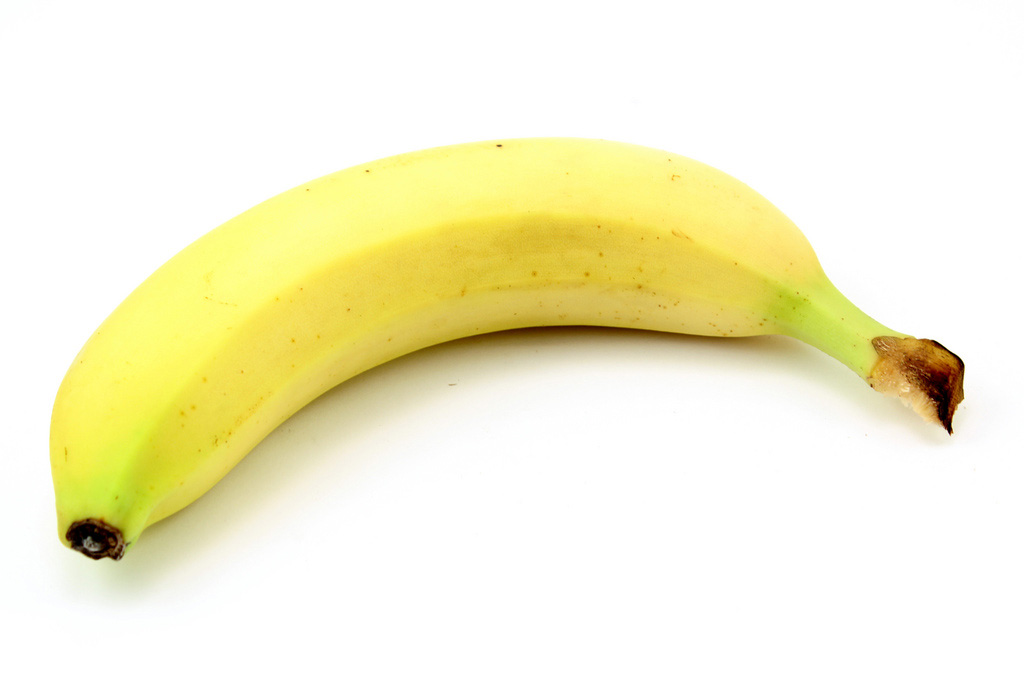
After the introduction of the Gradient Mesh Tool, your assignment is to use the tool and practice. Choose one of the three following photos and recreate it. The images are of fruit with simple backgrounds. Do your best job to recreate the shifts in color from light to shadow. These ranges of color are what give something the illusion of volume. The image should be done on a letter-sized document and then Save For Web when finished.
Filename: "lastname_class19_fruit.png"
Put Image in D2L dropbox

Project 3 Introduction and Preliminary Work
Information can be found on the Project 3 Page and will include a number of related examples:
- Title Screen References
- A large percentage of the examples there come from the following pages: TitleScream and a Game Title Tumblr
- Related Title Sequences (animated etc) can be screened here
Following the project introduction and references, you should begin concepting for Project 3. For some projects you may already have a title in mind. For others you will need to come up with a title to work with. When you create the logo or title graphic, you will either need to modify from an existing font set or else draw lettering by hand. We have done some related work in class, and you can revisit some example images that we looked at. The other interface elements should match the style of the logo/graphic but should be much more 'user friendly'. That means they should be easy to read and understand and not overly fancy. The background for the title screen is game dependent but could be related to the environment you developed in previous project work. Get Working!
It is also possible to begin your work by focusing on the writing assignment that accompanies the project. For examples of mobile app descriptions, refer to existing examples in an app store online. A good starting place would be games that have a similar style to the one you envision your 220 projects as.